


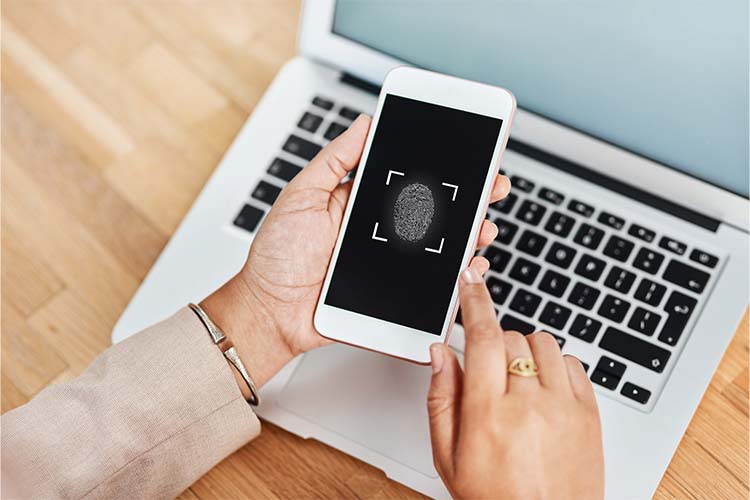
Your email account is a gateway to everything you do online, from personal conversations and bank statements to work-related data and account recovery options for other services. Enabling 2FA helps ensure that even if your password falls into the wrong hands, your account remains secure. Two-factor authentication (2FA) is essential for protecting your email account because it adds an extra layer of security that makes it significantly harder for cybercriminals to gain access—even if they’ve stolen your password. In a world where data breaches, phishing scams, and password leaks are becoming increasingly common, relying on just a password to protect your email is no longer sufficient.

Understanding How 2FA Works
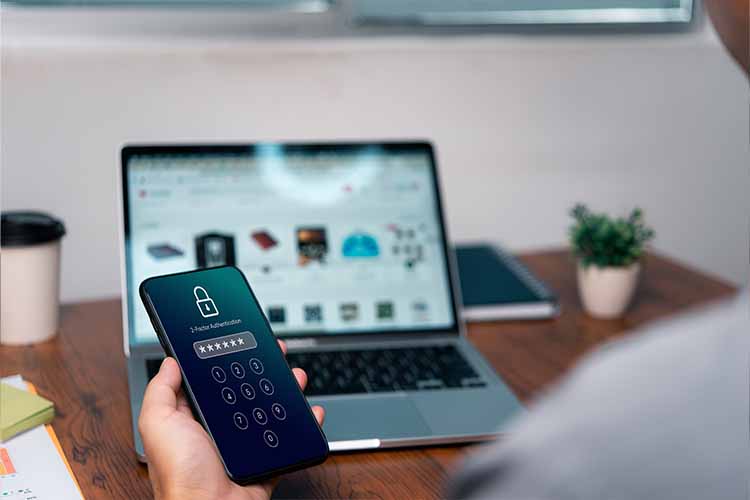
Two-factor authentication is a security process that requires two distinct forms of identification before granting access to an account. The first is typically something you know—your password. The second is something you have, such as a smartphone app that generates a time-based code, a hardware key, or a text message with a unique verification number.
This method greatly reduces the risk of unauthorized access. Even if a cybercriminal manages to steal your password through a phishing email or a data breach, they won’t be able to log into your account without the second authentication factor.
Email: Your Digital Front Door
Email is often the central hub of your digital identity. Most of your online accounts—social media, online banking, cloud storage, and more—are connected to your email. It’s used to reset passwords, receive security alerts, confirm transactions, and communicate sensitive information.
If a hacker gains access to your email, they could initiate password resets for your other accounts, gain insights into your personal life, commit identity theft, or even impersonate you. That’s why protecting your email with just a password is no longer enough. 2FA creates a barrier that stops most attackers in their tracks.
The Real-World Risks Without 2FA
Without 2FA, your email is vulnerable in numerous ways:
-
Phishing attacks: Cybercriminals often use realistic-looking emails to trick users into entering their passwords on fake websites.
-
Credential stuffing: Hackers use email and password combinations stolen from one website to try logging into accounts on other platforms, including your email provider.
-
Weak passwords: Even well-meaning users sometimes reuse passwords or choose ones that are easy to guess.
According to Verizon’s 2023 Data Breach Investigations Report, 74% of data breaches involve a human element, including stolen credentials and phishing. 2FA dramatically lowers the success rate of these attacks.

Types of 2FA Methods
There are several types of 2FA methods you can use with your email account. Some are more secure than others:
-
SMS-based codes: A one-time code is sent to your mobile number via text. This method is better than no 2FA, but it can be intercepted through SIM-swapping or phishing.
-
Authenticator apps: Apps like Google Authenticator, Microsoft Authenticator, and Authy generate time-sensitive codes that are more secure than SMS.
-
Push notifications: Some services send a push notification to your mobile device that you approve or deny. This adds convenience and strong security.
-
Hardware tokens: Devices like YubiKey or Titan Security Key offer physical security for the highest level of protection.
-
Biometrics: Some advanced systems use fingerprint or facial recognition as the second factor, offering both convenience and security.
Setting Up 2FA for Your Email Account
Most major email providers support 2FA and make it easy to enable:
-
Gmail/Google: Google offers robust 2FA options including SMS, authenticator apps, and security keys.
-
Outlook/Hotmail (Microsoft): Microsoft allows users to enable 2FA via their Microsoft Authenticator app or alternate phone numbers.
-
Yahoo Mail: Yahoo supports 2FA using SMS and app-generated codes.
-
ProtonMail: Known for its security, ProtonMail supports app-based 2FA.
To set it up, visit the security settings in your email account and look for “2-Step Verification” or “Two-Factor Authentication.” Follow the instructions to link your chosen second factor.
Why Convenience Shouldn’t Trump Security
Some users hesitate to enable 2FA because it adds an extra step to the login process. While that’s true, the inconvenience is minimal—especially with authenticator apps or biometric methods—and the security benefits far outweigh the extra few seconds it takes.
Consider the alternative: the time, money, and stress required to recover from a hacked email account. Victims of email hacks often lose access to numerous connected accounts, suffer from fraud, and may experience lasting privacy breaches. A few extra seconds at login can prevent hours or even days of damage control.
Best Practices for Using 2FA
To maximize the effectiveness of 2FA, follow these best practices:
-
Use app-based or hardware 2FA instead of SMS whenever possible for better security.
-
Don’t reuse passwords across different accounts, even if you have 2FA enabled.
-
Store backup codes securely, in case you lose access to your 2FA device.
-
Keep your recovery options up to date, including a backup phone number or alternate email.
-
Watch out for phishing emails that ask for your 2FA codes. Legitimate companies will never request this information unsolicited.
Conclusion
Two-factor authentication is not just an optional security feature—it’s a necessity for protecting your email account in the digital age. With cyberattacks becoming more sophisticated and frequent, relying solely on a password leaves your most important online account dangerously exposed. 2FA acts as a crucial safety net, stopping hackers even when your password is compromised. If you haven’t already enabled it on your email account, now is the time to take that step. The few seconds it takes to authenticate each login can save you from days, weeks, or even months of digital chaos.






Leave a Reply